Safe Mode is here, Tumblr. More control over what you see and what you don’t.
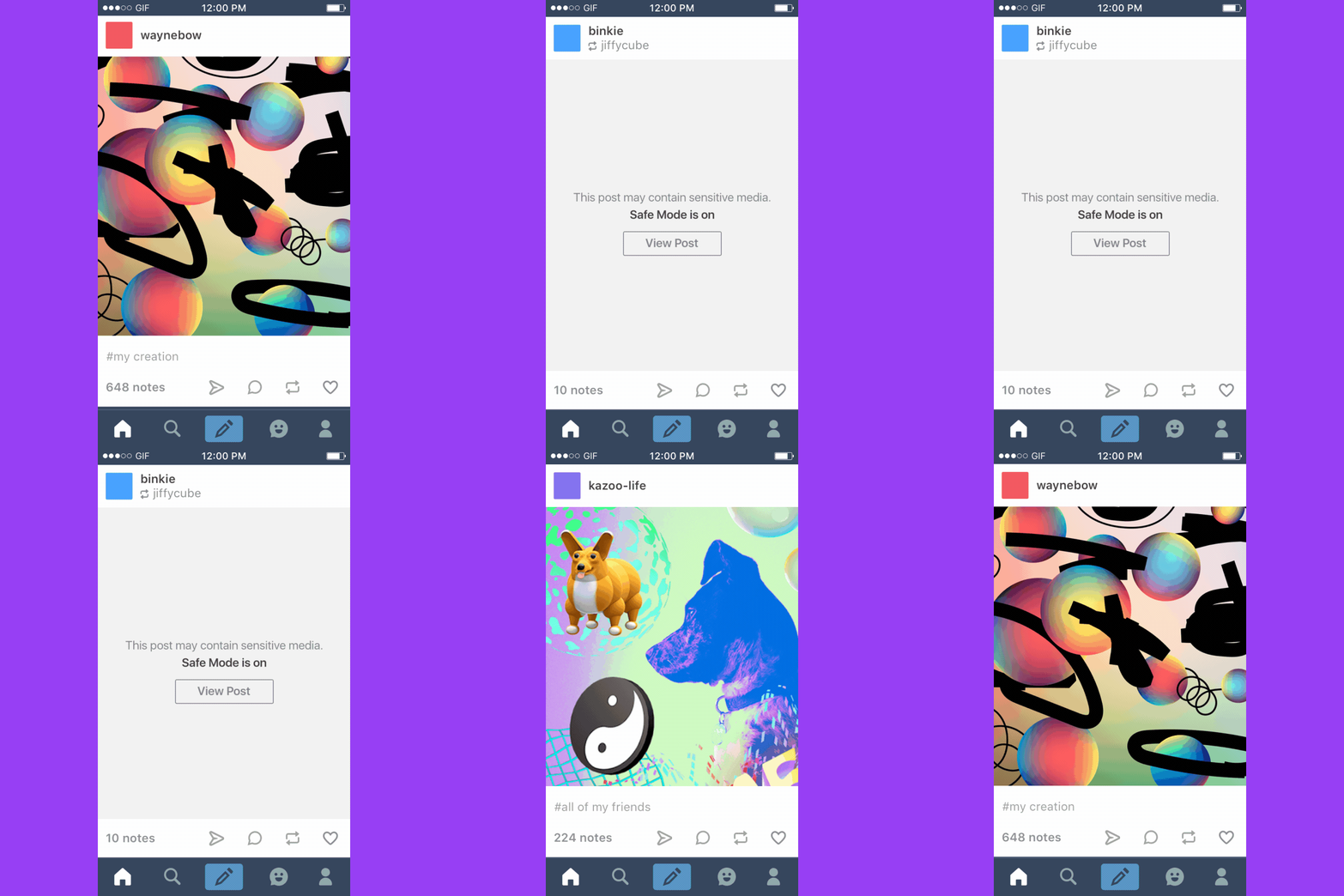
What’s Safe Mode? Safe Mode filters sensitive content in your dashboard and your search results.
Who’s it for? You, if you want it! Maybe you’re happy to see sensitive content when you’re scrolling through Tumblr, maybe you’re not. Safe Mode puts that choice in your hands.
How do I turn it on or off? If you’re on the web or an Android device: Go to your account settings and flip the Safe Mode switch.
If you’re on iOS: Go to your phone’s Settings app, tap “Tumblr,” and you’ll see the Safe Mode settings down at the bottom.
(If you’re under 18: You’re not able to turn off Safe Mode until you’re older. You’ll just have to use your imagination.)
Anything else? We’ve updated our Community Guidelines with some additional notes about being a good citizen of Tumblr. Check them out when you get a chance.


 Berry Sweet Sims & Supernaturals