
Dragonfruit: Ares it’s a girl~
Dragonfruit: Ares it’s a girl~


Dragonfruit: Oh… boy… that’s not a good feeling.


Love is in the air for Dreamer, and the River’s other cat, Broomsticks.


And then Ares smashes his future child’s dollhouse.


Sometime later…
Dragonfruit: Ug, this baby is killing my back.
Ares: Hmm… I think it’ll be okay.
Dragonfruit: That’s easy for you to say, you’re not carrying it.
Ares: On the bright side? I think it’ll be any day now Kid.
Dragonfruit: Good.


Dragonfruit: So um… how do we uh… get this going?
Ares: Well… let’s start with something slow yea?
Dragonfruit: O-Oh, okay…

Dragonfruit: Wait… it says here you’re like dating Aphrodite. Isn’t she the goddess of beauty and love? Why would you slum with me?
Ares: laughs Don’t sell yourself short there kid. Besides, all us gods like to kick it with Humans sometimes. You fascinate us.
Dragonfruit: Wait… humans without any sort of super power, fascinate the all powerful greek gods with untold power?
Ares: Look, we survive using our power. You humans have no power, yet you get by just fine. How could that not fascinate us?

Dust: It’s okay Dreamer, the TV’s not going to hurt you.
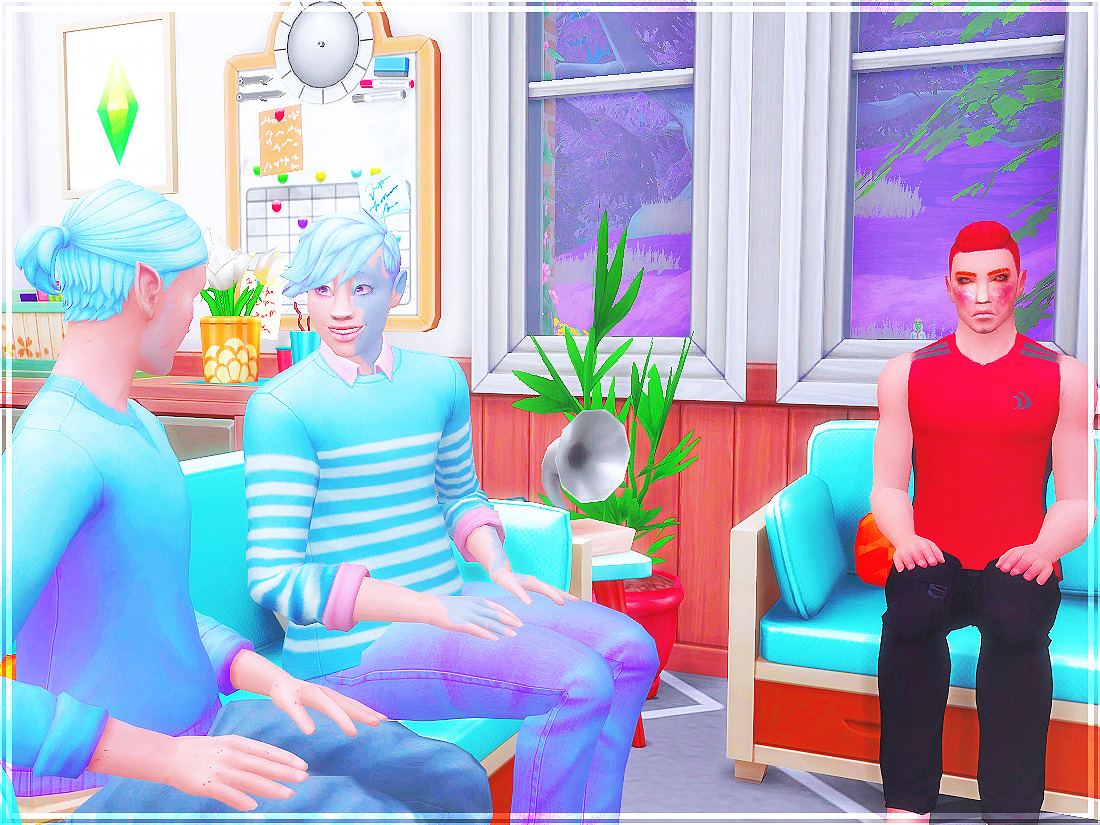
We talked for a long time. He explained to me what life was like for him as a demigod, and how grandma never back down from her destiny. Papa told me that he wasn’t able to carry on her legacy because his traits didn’t match up with the heroes the gods were trying to create. I thought that was bologna, but Papa waved it off. Maybe I shouldn’t have jumped to conclusions when he had told me about it being my destiny now… it couldn’t be too bad?
The easiest way I can give you tips on how to do your own defaults, is to download defaults by K-Hippie HERE. That way you have the resource numbers for all the terrain textures you need. Then in sims4studio, under tools, create an empty package. With K-Hippie’s terrain files open in a separate s4s window;
each image in the file has image, and data at the top right hand part of the window. Switch to data and copy the instance number.

Then you can switch back to the empty package you created, and under tools again, click game file cruiser. You then want to put the instance number in the box that asks for it, and click [ALL]. The games texture file will appear on the bottom left side of the window. Click on it, and click [ADD TO CURRENT PACKAGE]. You have to do this with every texture you want to replace.

Once you have all the textures in the package you created, you can start exporting the textures and editing them to how you want. Sorry if I didn’t explain it too well. I’m not good at teaching others how to do things ^^;
 Berry Sweet Sims & Supernaturals